



Prepare
Decide which supported currency you need before opening the wallet settings.
ATAS3 / All Tutorials
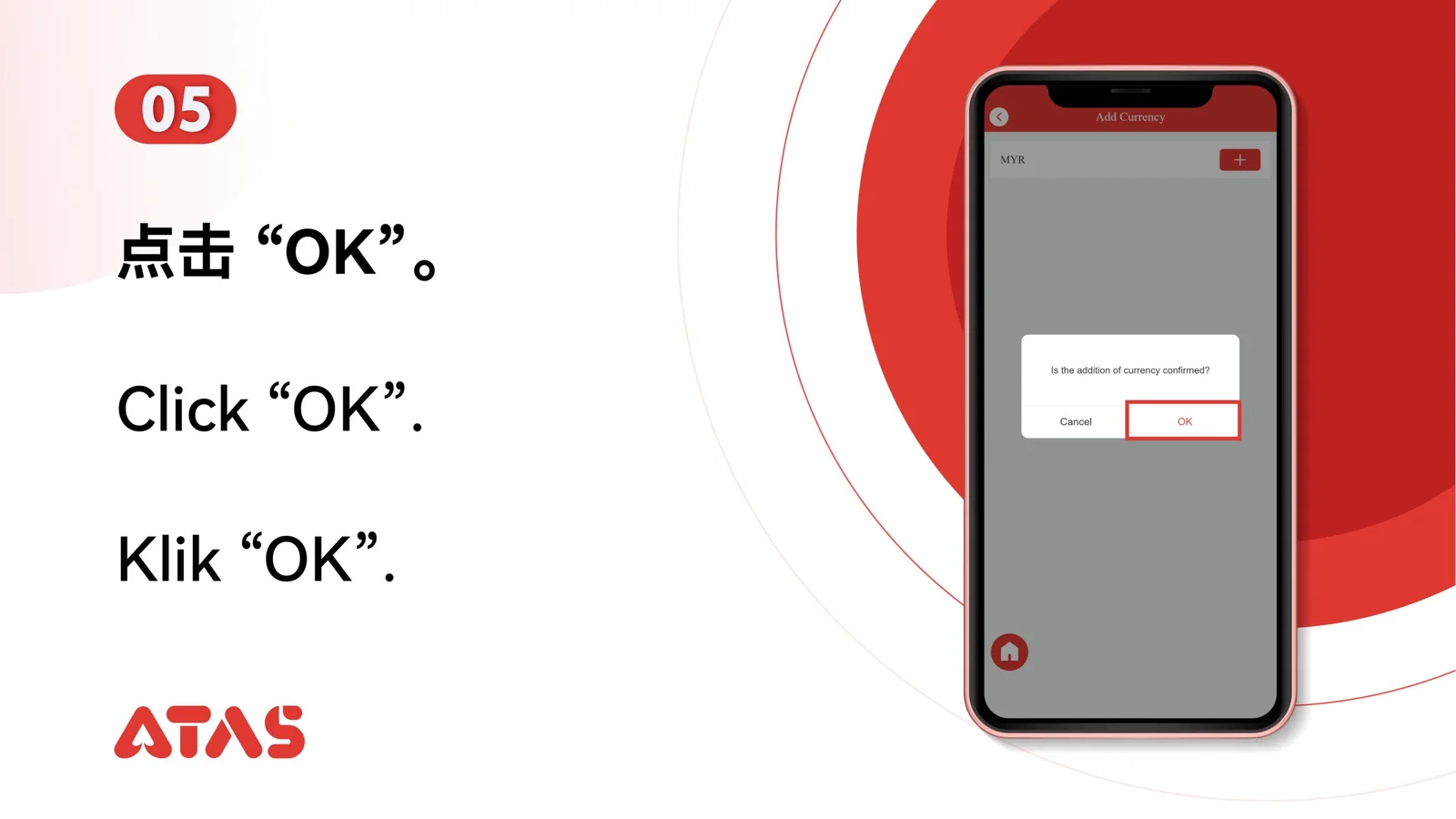
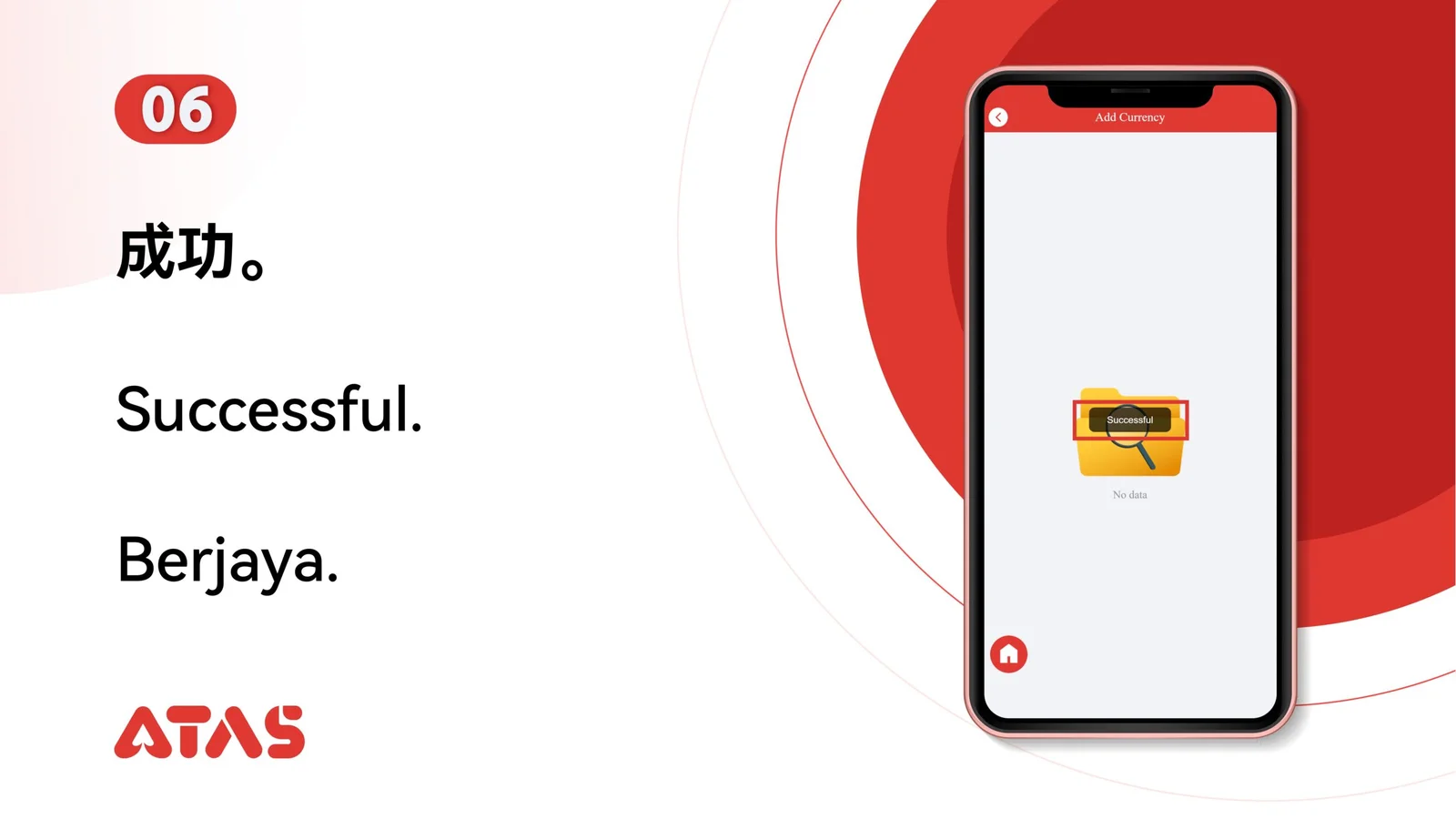
Complete Add Currency in 8 illustrated steps, with task-specific preparation, confirmation checks and a clear completion signal.
ILLUSTRATED ATAS3 GUIDE
The screenshots show the order. These checkpoints explain what must match along the way. 8 illustrated steps
Follow the sequence
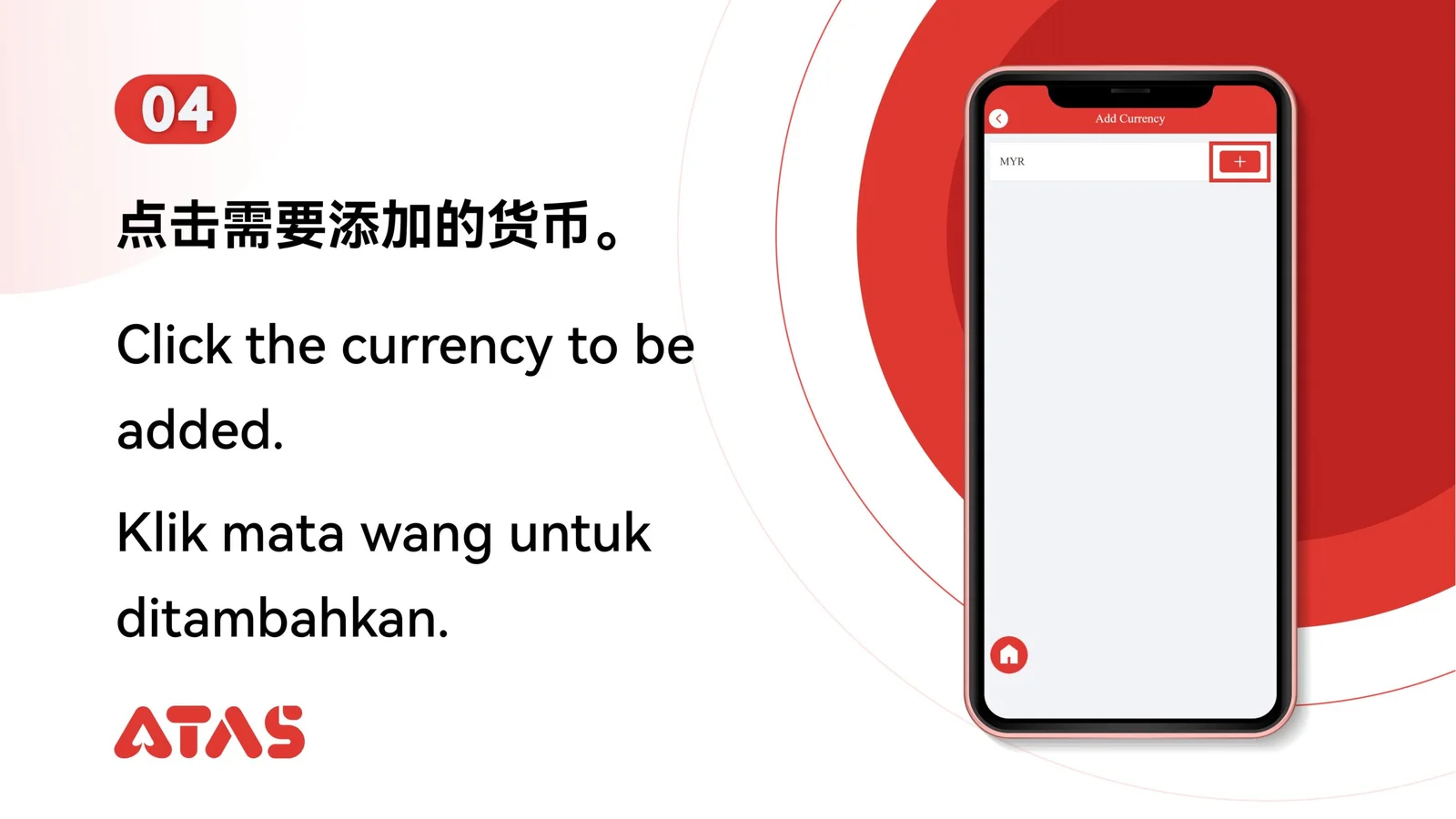
Select the intended currency once and review any displayed account effect.
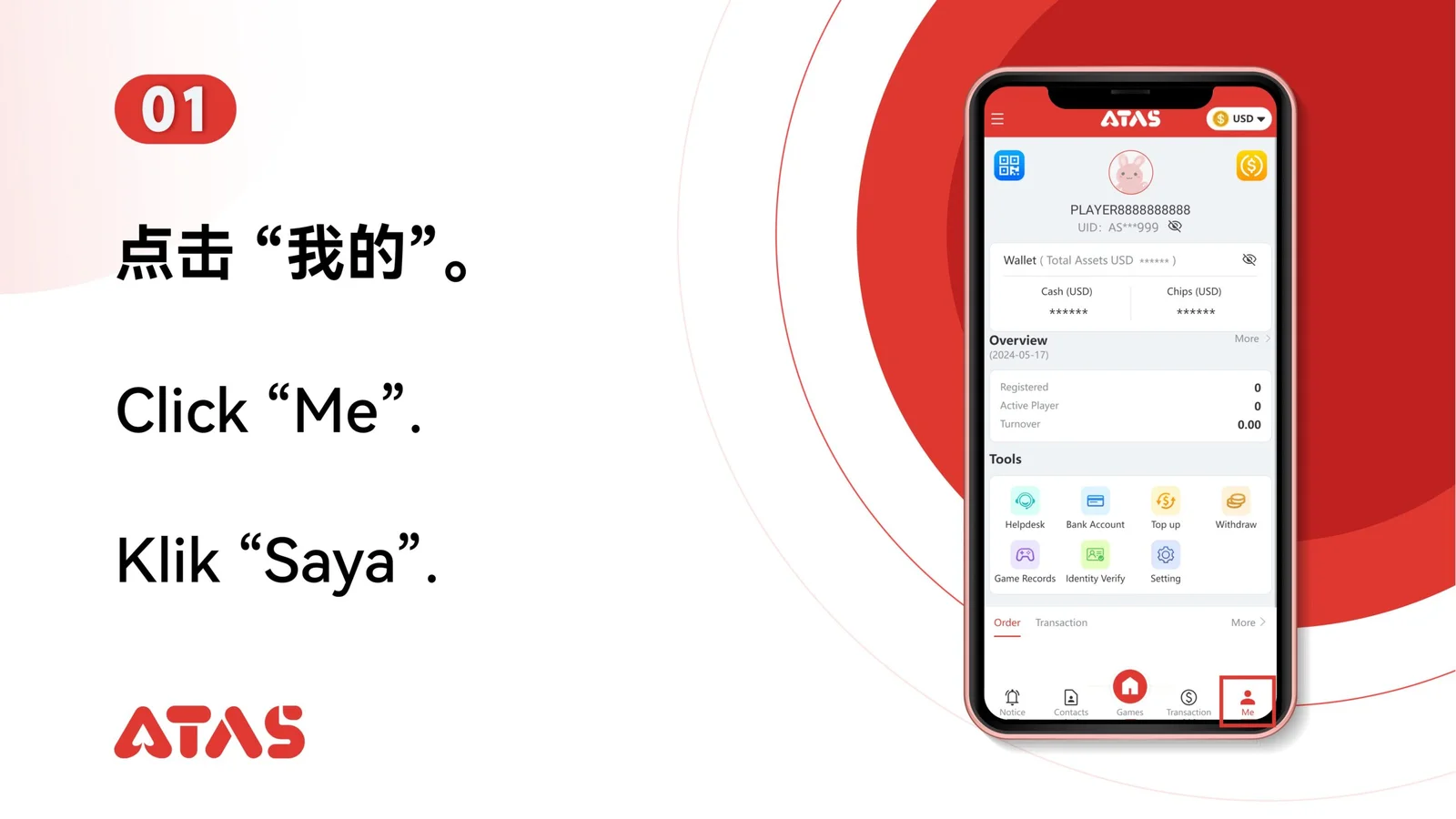
 Step 01
Decide which supported currency you need before opening the wallet settings.
Select the intended currency once and review any displayed account effect.
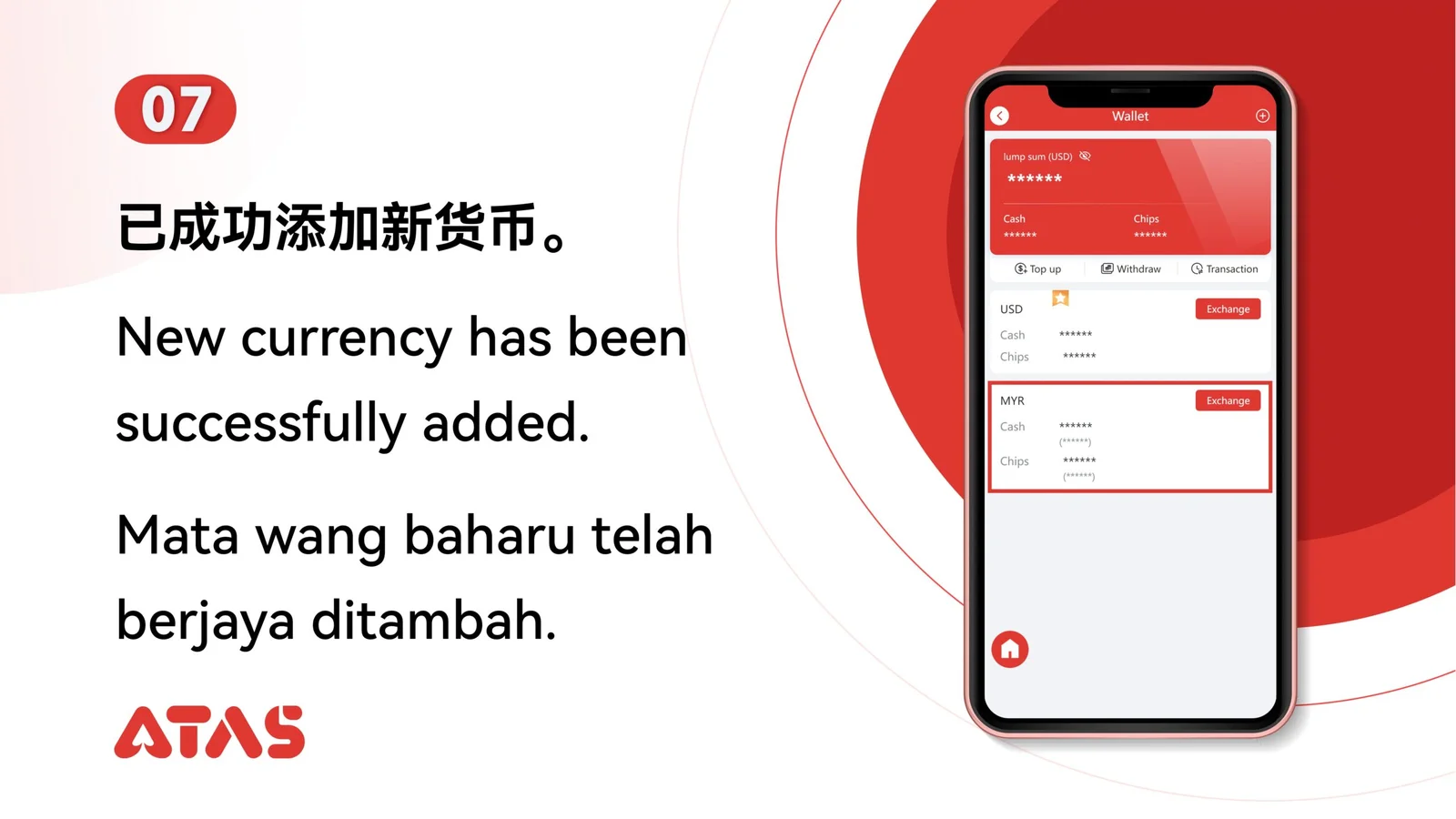
The selected currency appears as an available wallet balance.
Do not add a similarly named currency without checking its code and use.